

Adding App & Website
How to add an app or website to the dashboard?
Everything starts with setting up your app or website on the Storyly Dashboard. You should have at least one app or website before creating your content.
Adding Apps & Websites
If your app is live in the App Store or Google Play Store, you can simply search for the name of your app and select it.
If you are adding a website, you should just type your website URL.
If your app is not live in stores or if you just want to add your app with an identifier, simply click on the checkbox "My app is live in the store" and type your app's identifier.
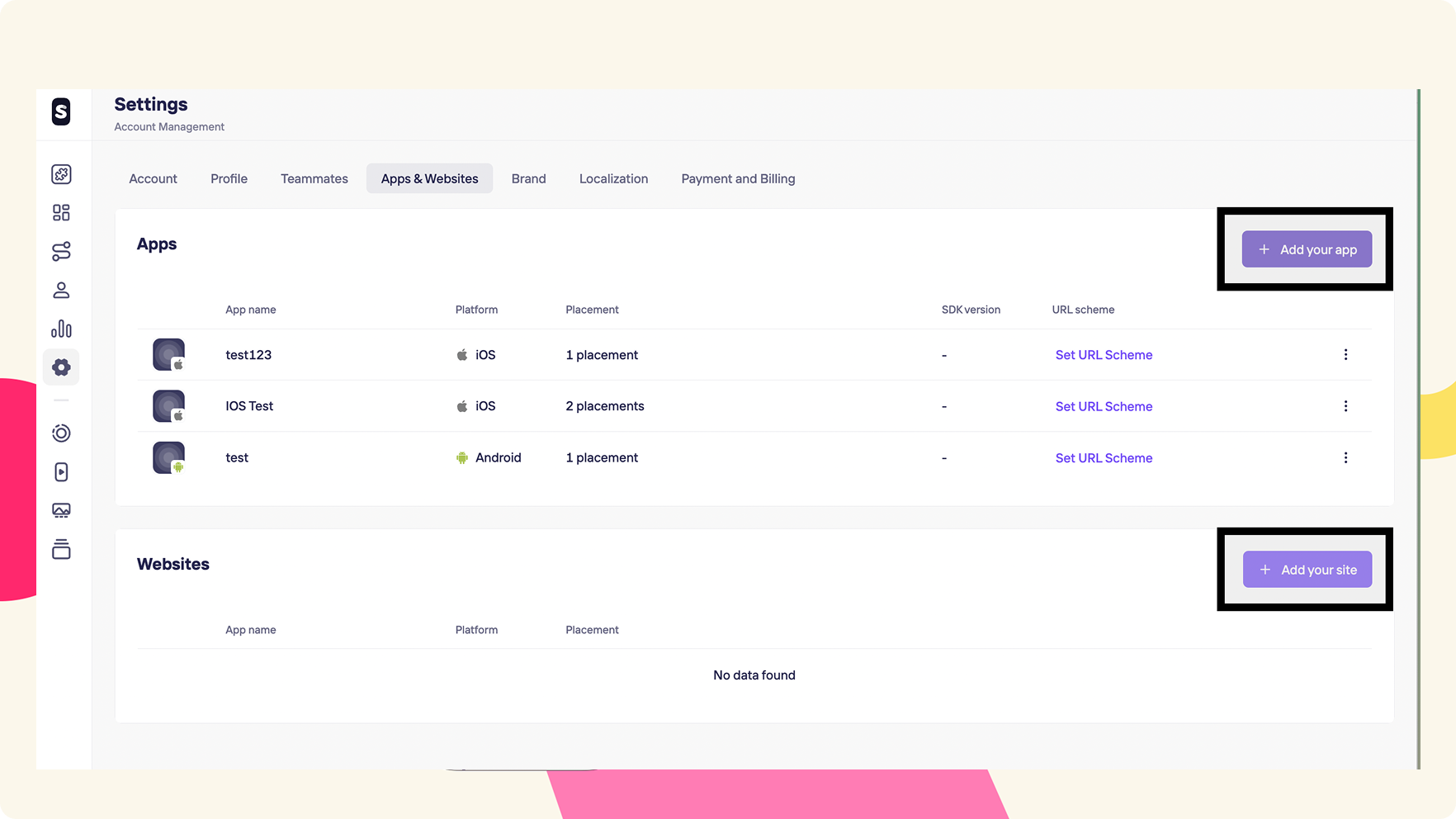
If you already have set up an app earlier and you want to create another one, you need to go to Settings > Account Management > Apps & Websites section.
Updated 10 months ago
What’s Next
Let's create Placements!