

Storyly Dashboard Reports
How to Download a Report from the Storyly Dashboard?
The Storyly dashboard lets you export performance data for all your Widgets and Interactions directly as CSV files.
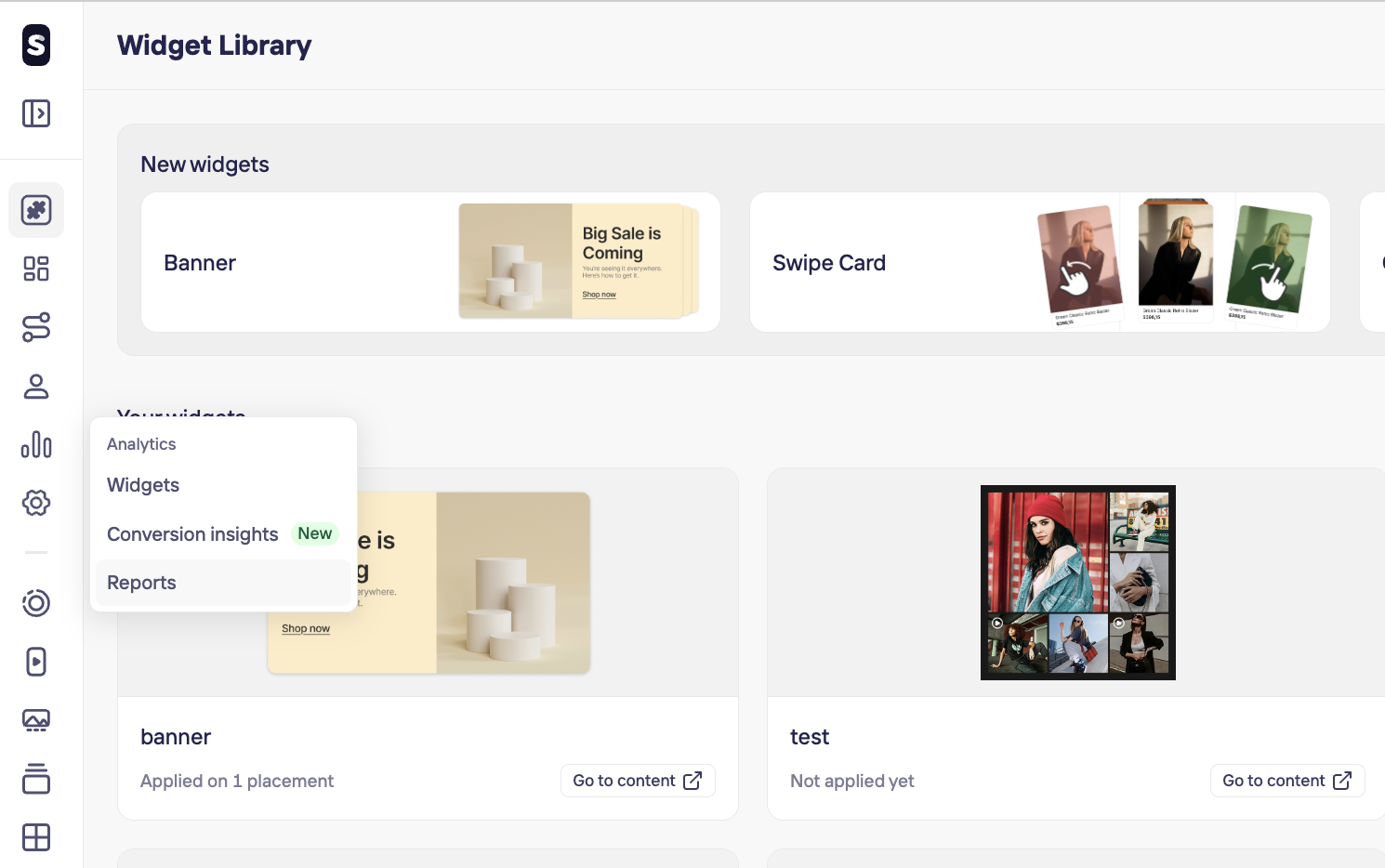
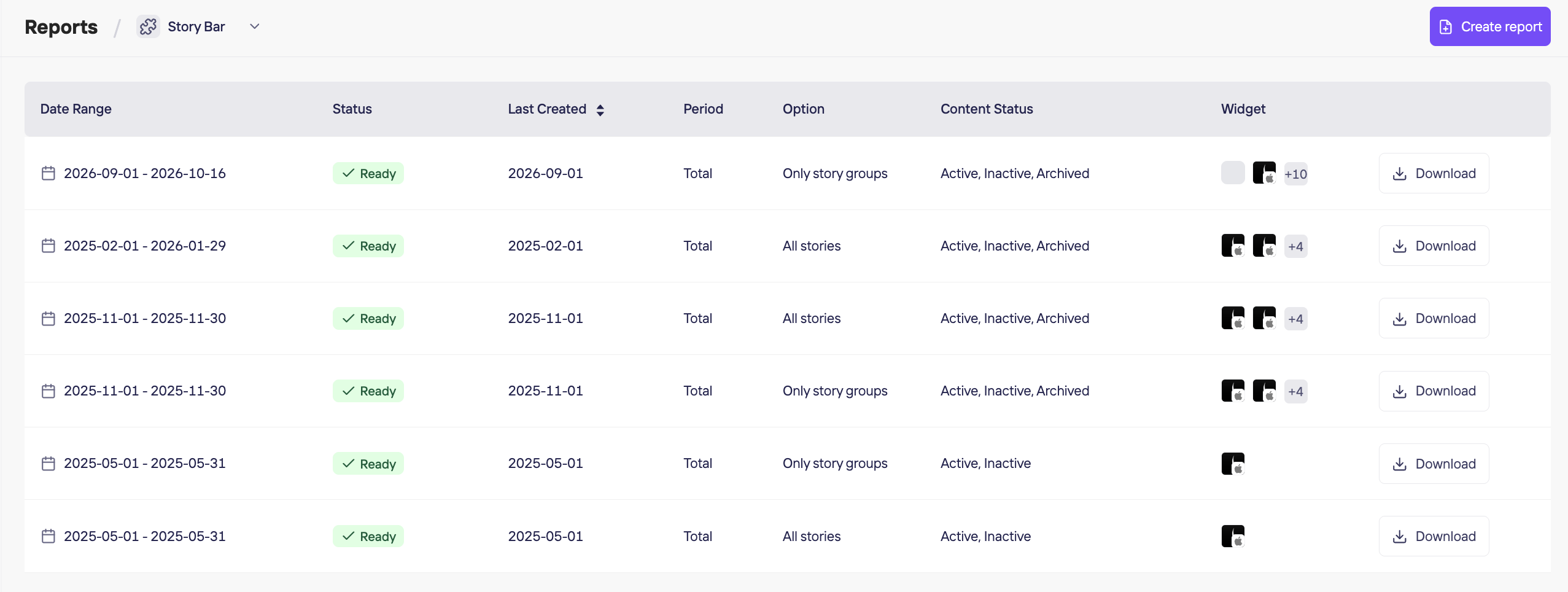
- Navigate to the Analytics section and select Reports.
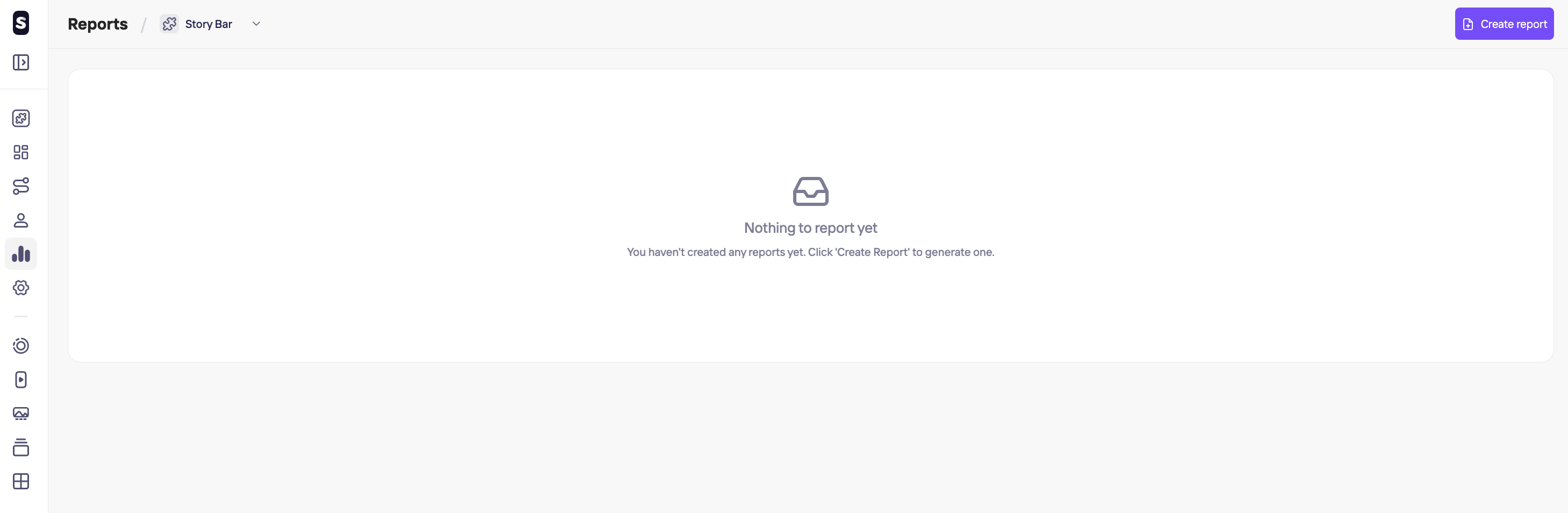
- Select the widget you want to report on from the dropdown list, then click Create report.
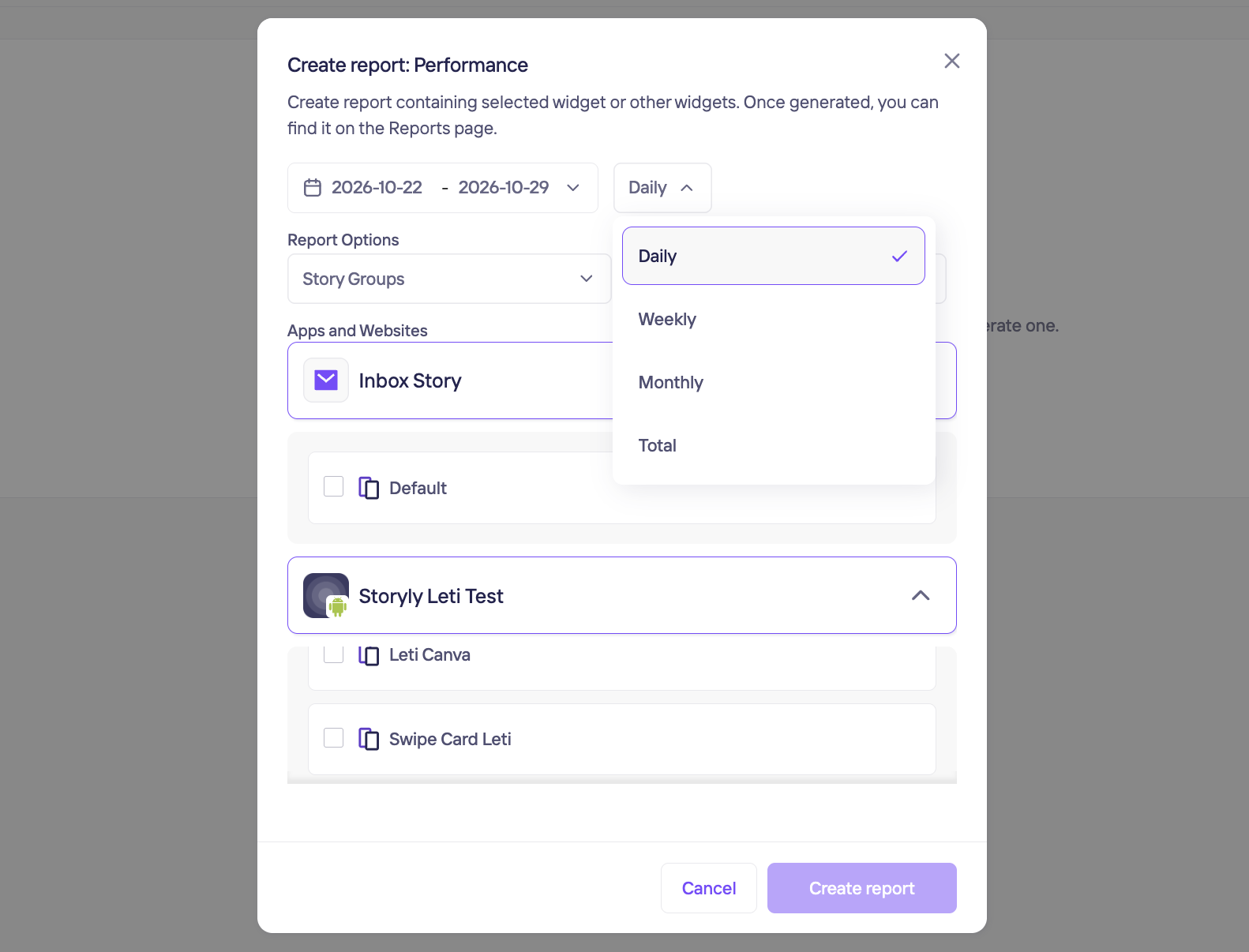
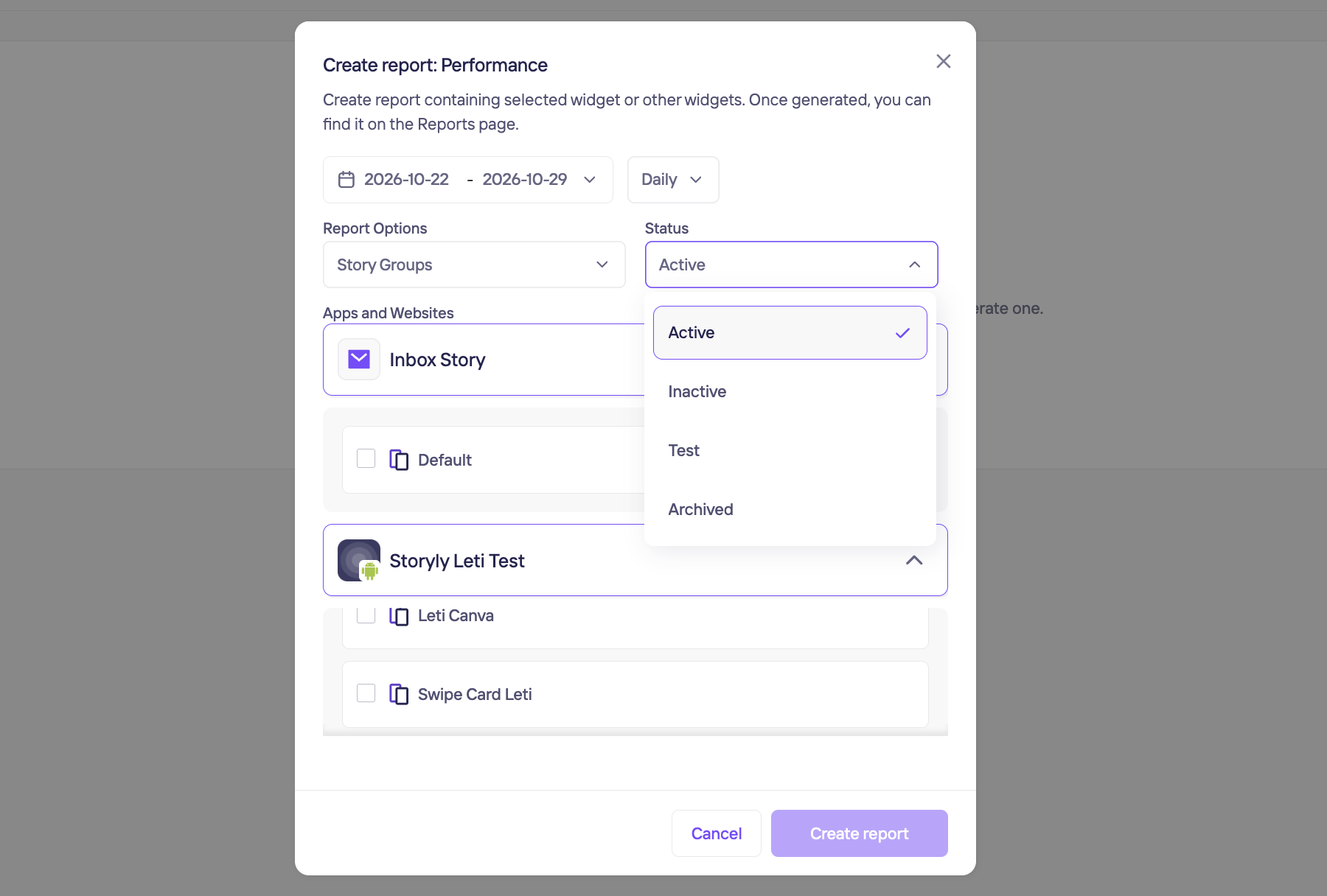
- Configure your report parameters:
- Date Range: Filter by your desired timeframe.
- Data Breakdown: View data by Daily, Weekly, Monthly, or Total numbers.
- Report Options: Group by Story groups or individual Stories.
- Content Status: Filter by the statuses you want to include (e.g., Active, Inactive).
- After a few minutes of processing, your CSV report will be ready for download once its status changes to Ready.
Updated 1 day ago
Did this page help you?