

Creating a Video Feed Widget
The Video Feed provides you TikTok-like endless scroll of short videos that keeps shoppers exploring.
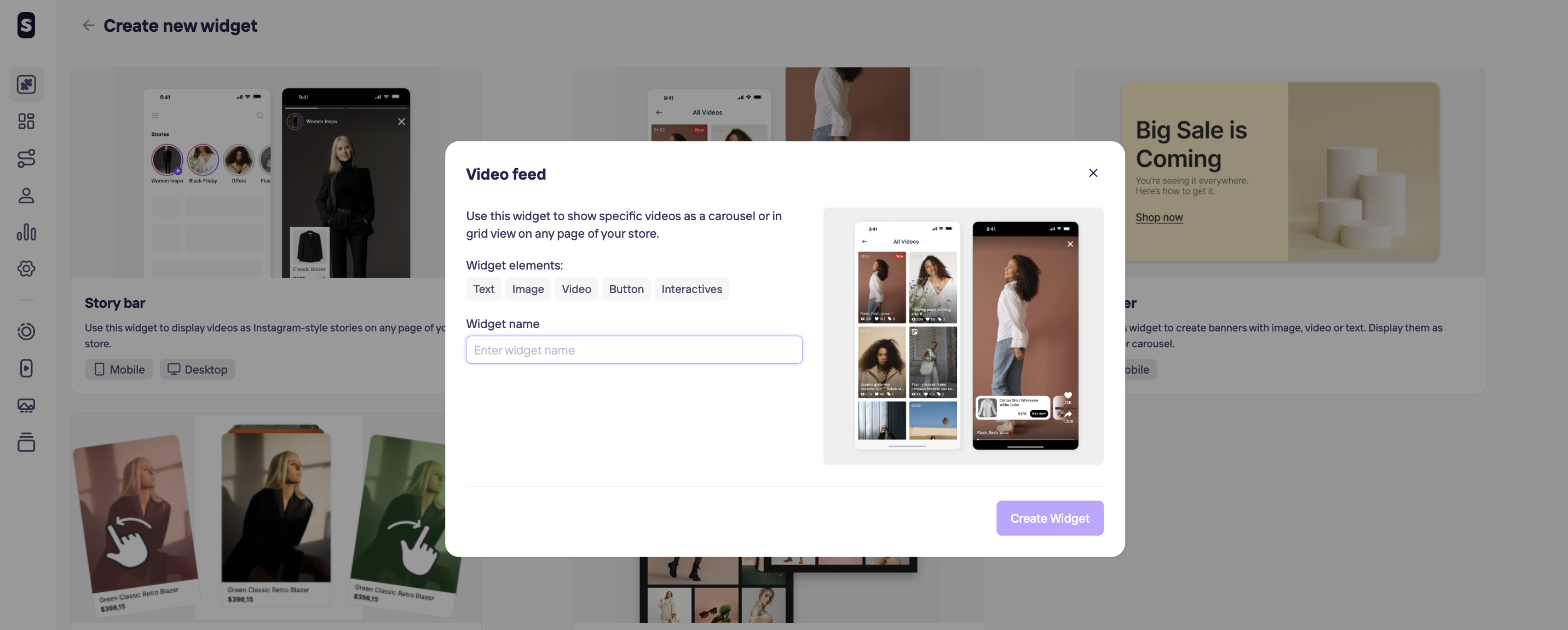
Use this widget to show specific videos as a carousel or in grid view on any page of your store.
On Settings, you can enable your content to be sharable or not.
For creating a Video Feed widget, click on + Create widget in the top left corner and chose the Video Feed option. The next steps will be giving a unique name to help you identify it later and hit Create Widget button.
Updated 10 months ago
Did this page help you?