

Adding a New Widget for Your App
How to add a new widget to an app?
Ever wondered how you can add different Storyly components in various pages of your app?
We have good news for you: Multiple Storyly Widgets are available.
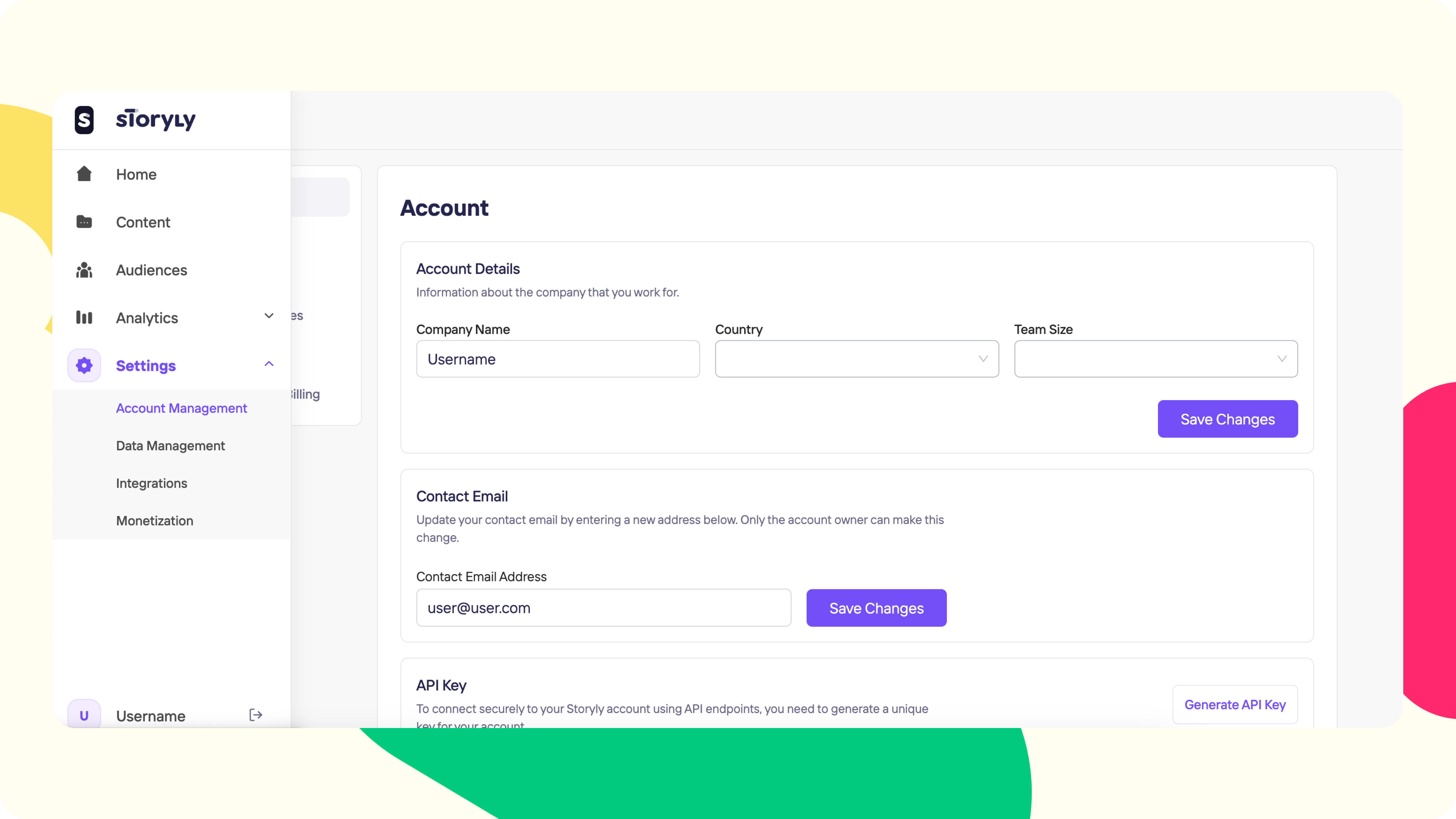
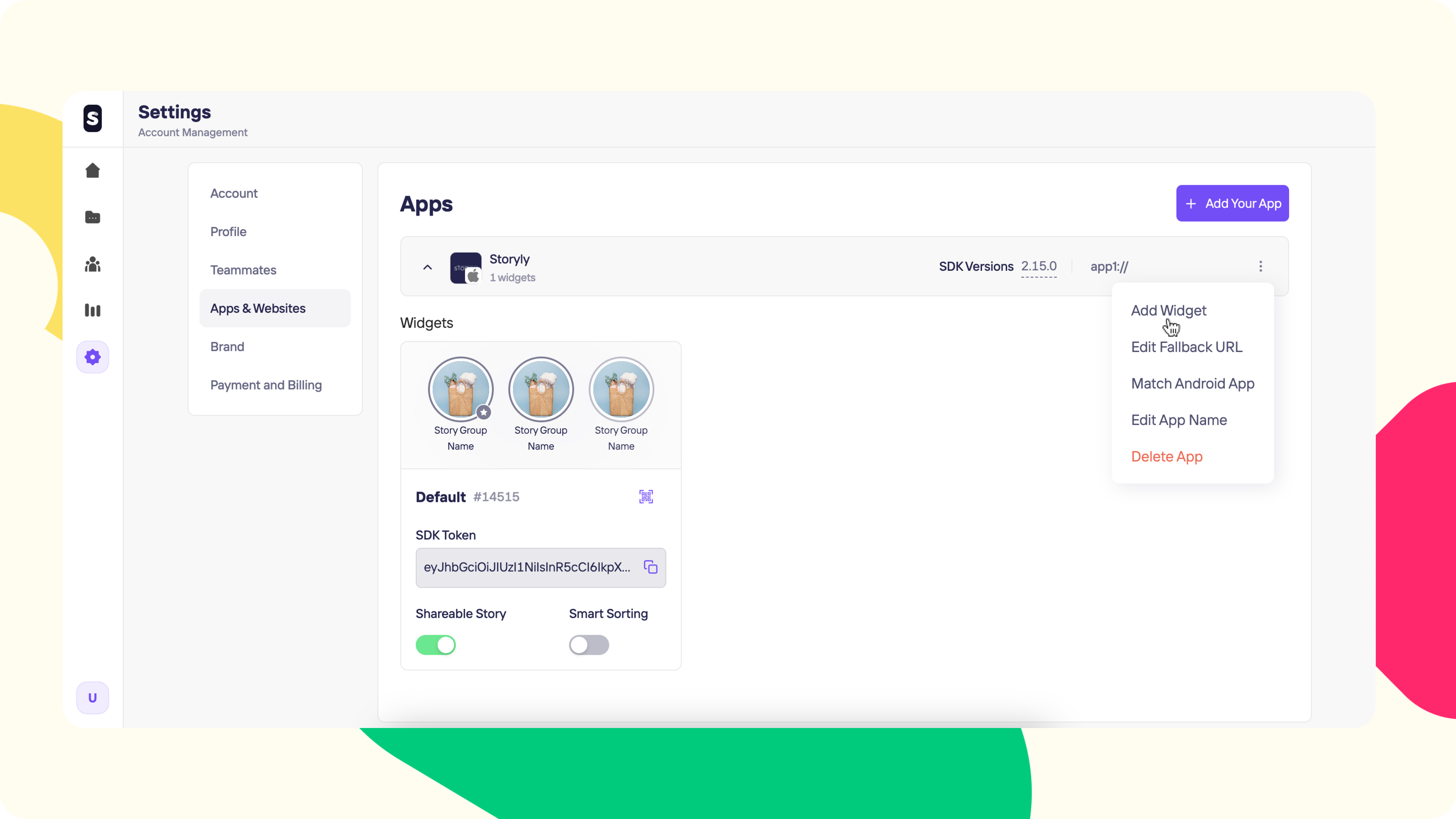
You can add different widgets by going to your Settings clicking on the Account Management button clicking on the Apps & Websites and clicking on the Add Widget button to add new widgets.
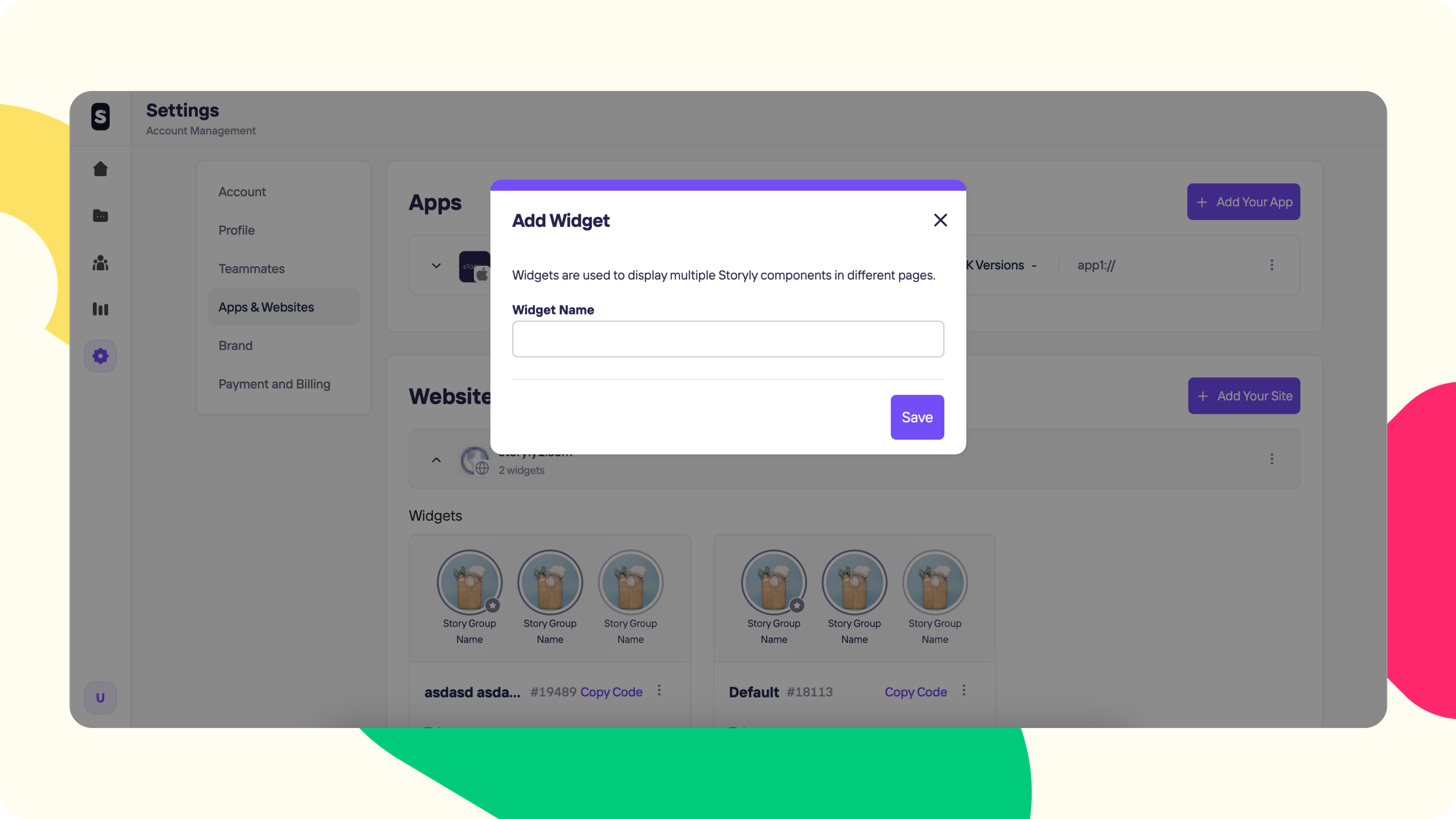
Then give a name to your new widget.
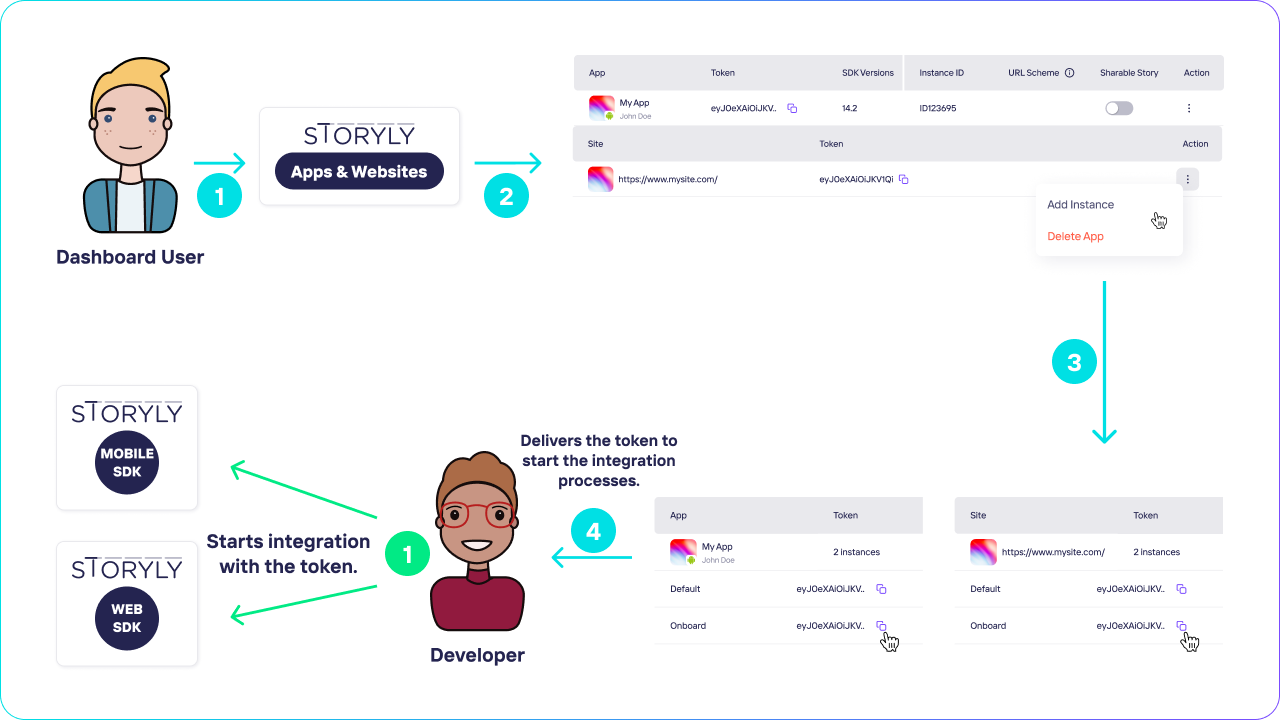
You can copy the generated token for SDK integration with the copy icon near your new widget Token.
User Guidance
Updated over 2 years ago
Did this page help you?